Advertisement
Click to download now, finish the installation quickly, and directly unlock the all-round experience
Advertisement
Screenshots




Click to download now, finish the installation quickly, and directly unlock the all-round experience
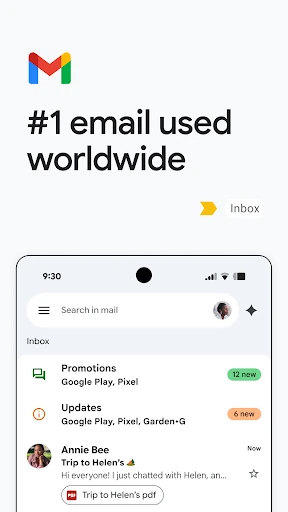
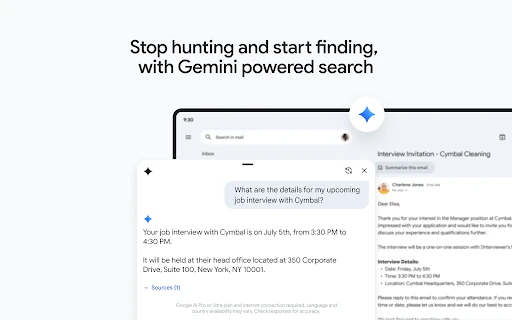
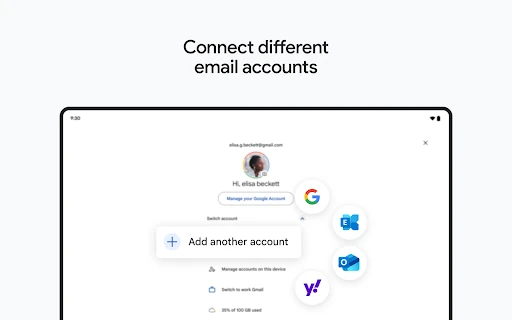
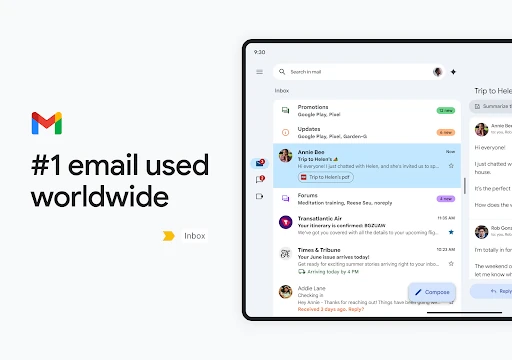
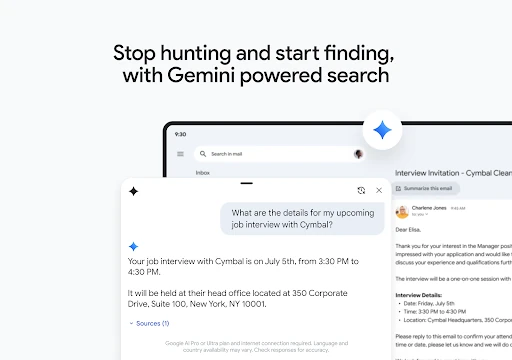
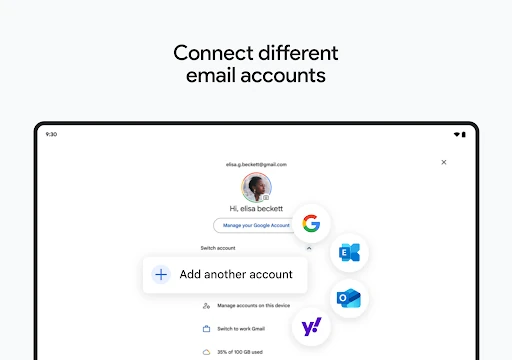
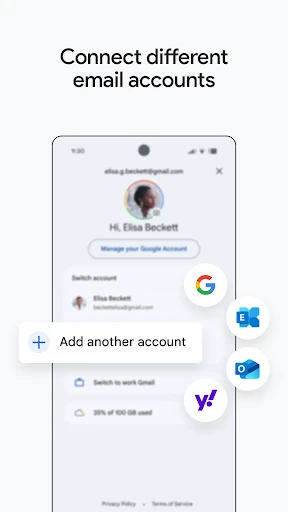
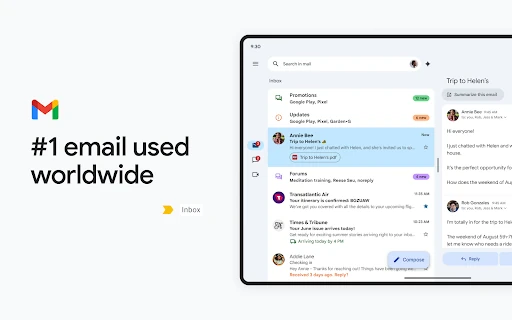
Gmail is Google’s email app for reading, sending and organizing messages on Android. It suits people who use email regularly, particularly those whose mail and appointments are already tied to Google services. You can manage more than one account, and the app includes tools for finding messages and filtering unwanted mail.
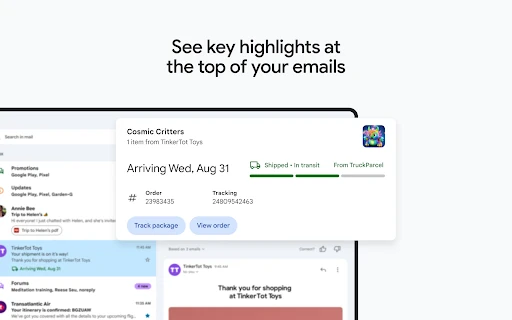
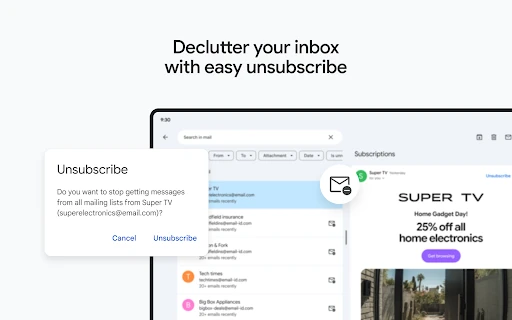
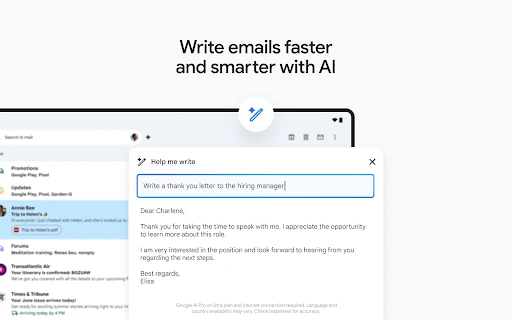
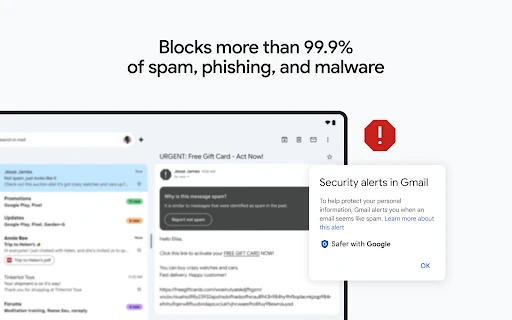
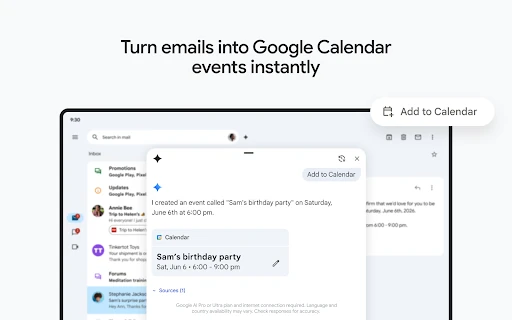
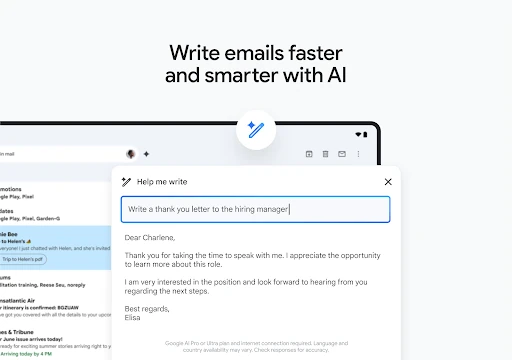
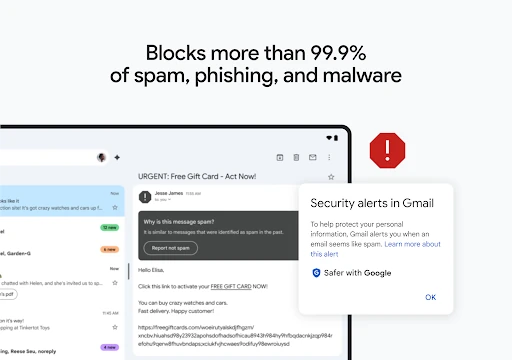
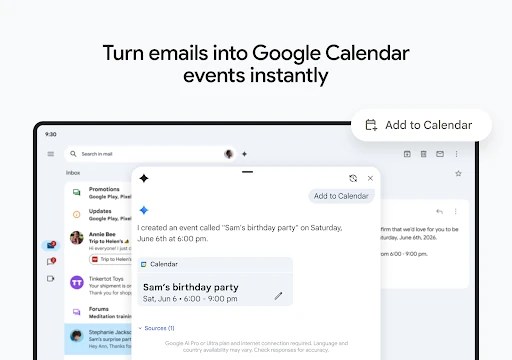
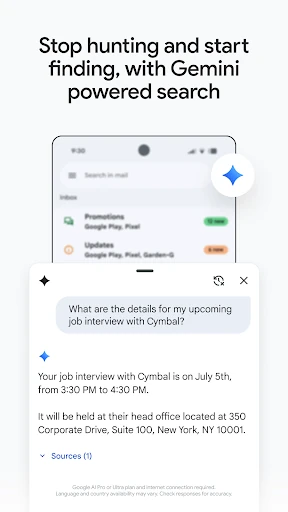
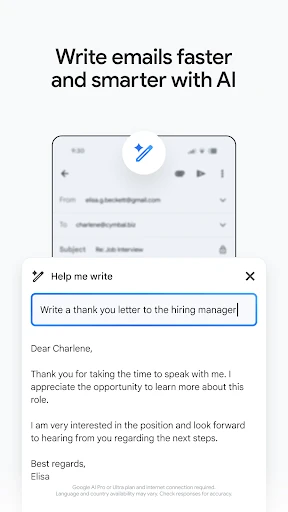
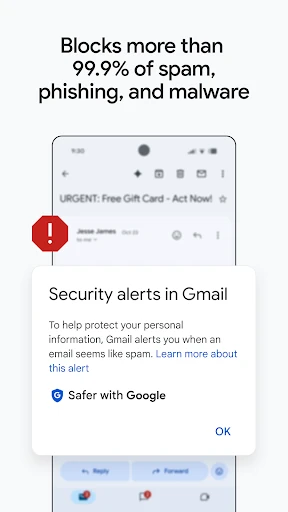
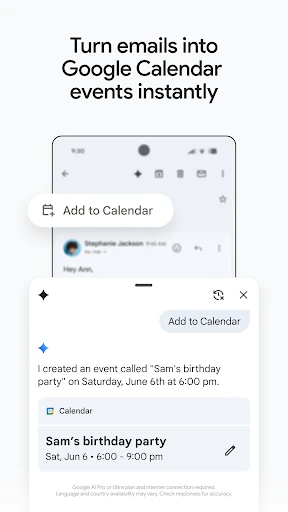
Search and conversation threads help keep messages together and make older correspondence easier to find. Gmail’s spam and phishing filters can reduce unwanted or suspicious mail, though no filter catches everything. The app also connects email with other Google services, including Calendar and Meet. Some accounts may have access to AI-assisted writing or other newer tools; availability can vary by account and region.
The range of connected services can be useful, but it also makes Gmail feel like more than a simple inbox. If you only want a minimal email reader, its additional tools and navigation may feel unnecessary. Search and filtering are helpful, but they do not replace checking important messages yourself, especially when a message has been sorted or flagged incorrectly. Features can differ between accounts, so not every user will see the same options.
Gmail is published by Google LLC in the Communication category. Its listed rating is 4.1 out of 5, based on about 14.2 million ratings, and the listing reports more than 10 billion installs. Those figures show its broad reach, but they do not indicate whether its feature set or interface will suit your own email habits.